IoT which stands for the Internet of Things is an elusive term that I never really bothered with understanding. I thought it was just the general term used by non-engineers to describe how everything was connected… Oh, how I was wrong. As part of the design process for RDL or Robot Drone League game, we were trying to figure out how to incorporate the Magic Leap into the game to create an engaging AR aspect. However, the biggest problem with this is the ability to transfer data to the magic leap in a robust dynamic way that can change as the game changes so we don’t have to rewrite the framework whenever we decide to add a new game element. In comes IoT.
Doing a bit of research we found a few IoT routers particularly one from Mozilla. What the router actually does is create a framework that makes creating a connect IoT network easy. Now, what does that mean?
IoT devices are things like Chromecast, Smart lights, Smart switches, Smart coffee machines, the list goes on. Basically, any device that does simple tasks and connects to the internet. 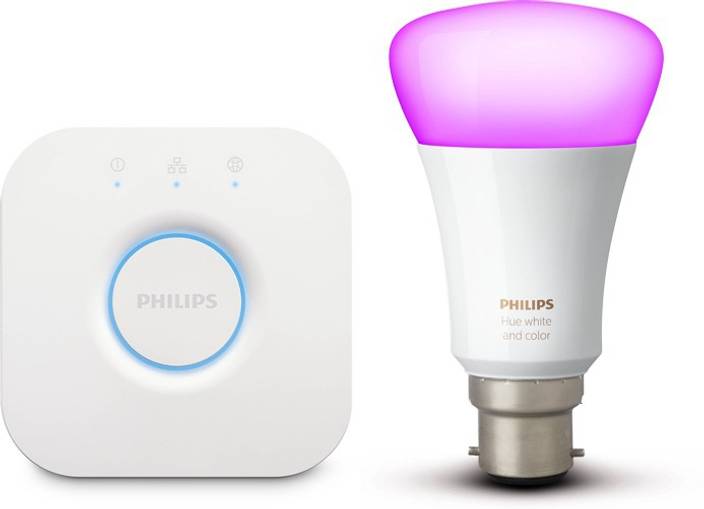
This is the Phillips hue it is a smart light that can also change color from a phone app. Sometimes these smart devices also come with a hub that the app connects to and then allows you to see all your lights and control them. You can also usually set up rules to tell the lights when to turn on and what color to turn on automatically. The Mozilla router removed the Phillips hue hub from the equation the router has support to connect directly to these smart devices and control them from an interface. The biggest thing though. The router is open source. This means it is extremely easy to adapt it to your own purposes because all the code and documentation for the router and its communication protocols are online. In this case on GitHub Mozilla IoT Source Code.
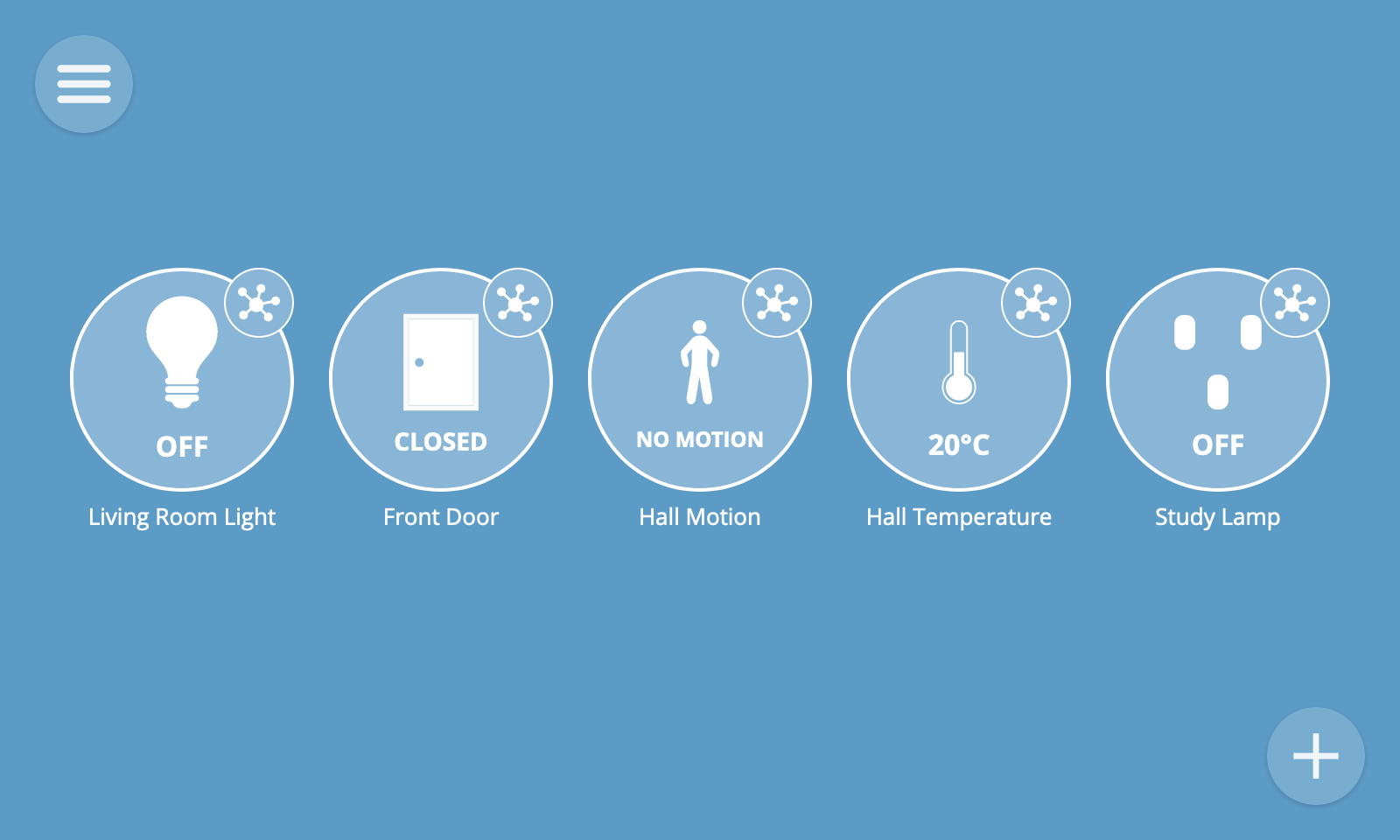
Now you might be thinking why can’t I just hardcode an app on your phone to control lights. Well, could but that defeats the entire purpose of IoT which is to connect smart devices with a standard communication protocol that makes it possible to turn on the lights in your house and your coffee machine at the same time. In our case, though it is perfect for a dynamically changing game that needs to be connected to a digital platform, in this case, the magic leap. First step though was to create our own IoT device.
If we have an RFID tag reader on the field we want to be able to connect to it with the Mozilla router. We can then have a rule that says hey this RFID tag was just read now turn on this light on the other side of the field. Thankfully because it’s open-source the guys at Mozilla provided python code to create a device that can be detected by the router Python-Webthing Github. I was able to get this code running in about five minutes and had a fake light and fake humidity sensor that I could add from the routers UI. I should clarify that it this point we didn’t actually buy the router we are using a raspberry pi to mimic what the router would provide. We followed the amazing guide Mozilla wrote here Raspberry Pi as Gateway
The great thing about there code as well as they gives you access to changing all the properties of a device. For example, I could make a device with 5 different string values which could control 5 different smart devices. By just modify their code to pull values out and do things locally and running the python code we can create multiple devices that can all interact with each other in a robust dynamic way. However, the hard part is actually pulling values out of the device server that they wrote. I finally figured it out though and wrote a little function to constantly update some global variables so they are easily accessible. My next step was to try and get their python code ported to C sharp and running in Unity.
I quickly realized this would be no easy task as the python code involved DNS service registration. What this does is make my computers IP address for example 10.0.0.52 available as (Any Domain Name).local on my local network. In this case, the router code is looking for mDNS services with the name __webthing__ and then connects to so that it can find the device. Now the issue is I spent about two hours looking and couldn’t find a single example of mDNS service registration with C Sharp. I asked about this problem on StackOverflow to see if anyone had any idea how to do it and got a response very quickly.
One of your challenges may be that C# is a Microsoft-driven language and Microsoft has substantial “not invented here” resistance to mDNS to the degree that Windows did not even ship with mDNS capability until recently. So it may be that you would need to find some 3rd party extension. – Chris Stratton
While I didn’t really want to hear this I am glad I could stop banging my head against a wall trying to solve the problem. I concluded that the easiest way to do this would be to write unity code that talks to a computer running the python code and tells it was a device to actually create and when to start and stop the IoT device server. While it’s rather inefficient it will be by far the quickest method to get this up and running. After doing all this research and running into all these problems I was finished for the day and was going to start this process tomorrow.

 Devin Willis